
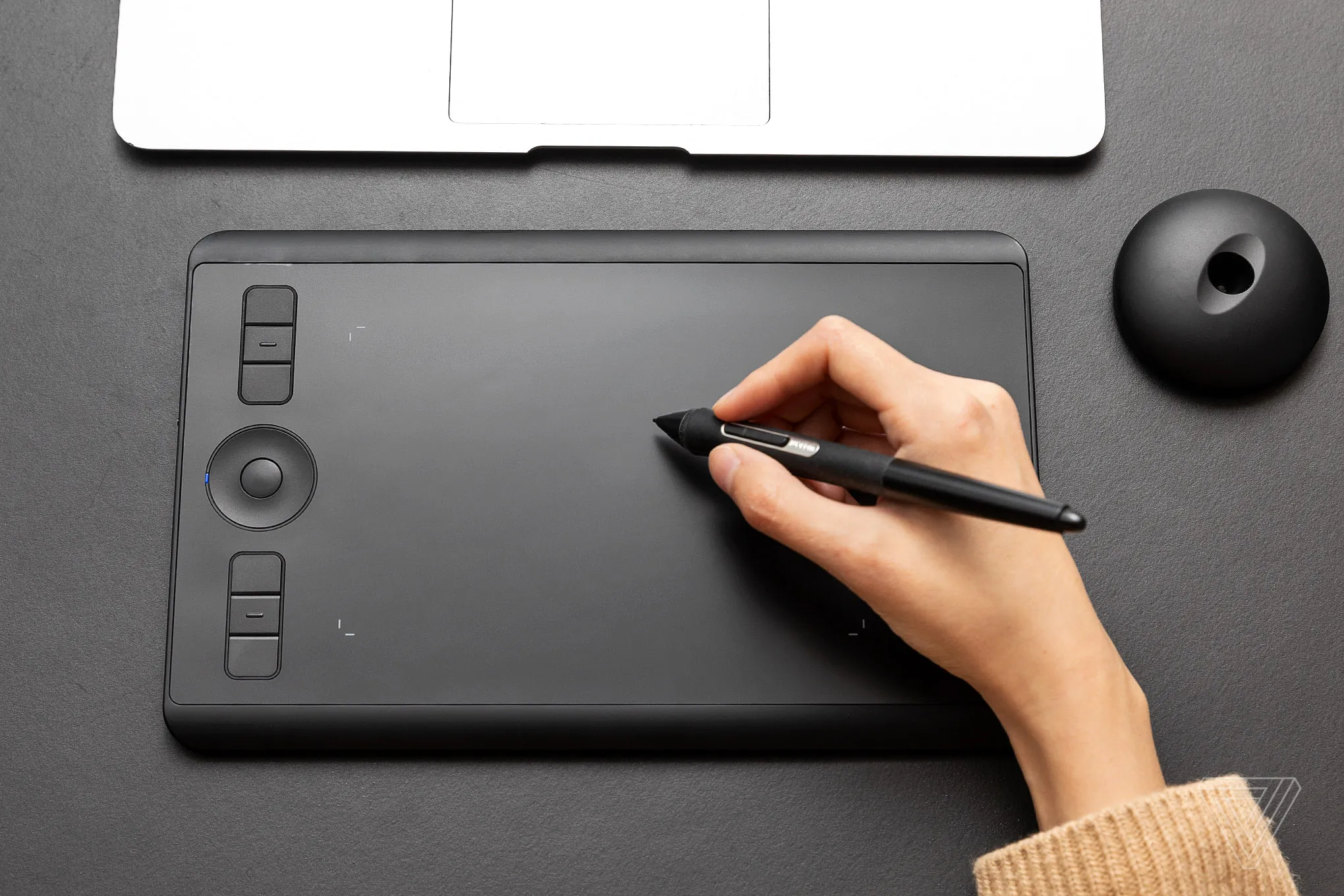
The tactile ergonomics of professional friction
To use an Intuos in 2026 is to appreciate the high-fidelity feedback of a surface specifically engineered to mimic the tooth of fine-grain paper. While consumer tablets chase the "infinite glass" aesthetic, Wacom has doubled down on the user experience of resistance. The battery-free 4K pen technology, with its 4,096 levels of pressure sensitivity, offers a nuanced activation force that makes digital sketching feel terrifyingly close to physical charcoal. The recent redesign further polished this experience by relocating the ExpressKeys to a more logical, top-aligned position, effectively ending the era of accidental palm-triggering. This isn't just a gadget; it is a specialized instrument that respects the specific biomechanics of a retoucher’s hand.
Intelligence through integration: The AI-ready workspace
In an industry currently obsessed with generative AI and automated masking, the Intuos acts as the essential "human-in-the-loop" controller. It has evolved from a simple pointing device into a sophisticated interface for AI-driven creative suites. Modern software bundles now leverage the tablet's low-latency input to guide neural filters and complex generative fills with a level of surgical precision that a trackpad simply cannot match. By mapping the tablet's customizable keys to frequently used AI prompts or brush-size automations, professionals are carving out a hybrid workflow where the machine does the heavy lifting, but the artist retains the granular, tactile veto power. The seamless Bluetooth connectivity ensures this bridge remains stable, even as multi-device setups become the standard for mobile studios.
The Creative Pulse-Check
| Strengths | Weaknesses |
| Industry-leading pressure sensitivity and natural pen-to-surface friction | Bluetooth mode still exhibits minor latency in high-density files |
| Sleek, magnesium-reinforced build that fits into any laptop bag | Surface nibs wear down relatively fast under heavy, textured use |
| Vast ecosystem of application-specific shortcut mapping | The lack of a built-in screen can be a steep learning curve for beginners |
| Superior battery life for untethered wireless sessions | Premium pricing compared to increasingly capable budget competitors |
The Wacom Intuos remains the "quiet professional" of the design world—a tool that doesn't need a screen to prove its worth, relying instead on the undeniable speed of muscle memory and the precision of a master’s touch.